The Most Common IT Failures Small Businesses Face and Why They Happen
Most small business IT failures are not caused by one massive event. They usually come from weak backups, aging hardware, poor access control, network issues, and undocumented processes. Here is what goes wrong most often, why it happens, and what businesses can do to reduce the damage.
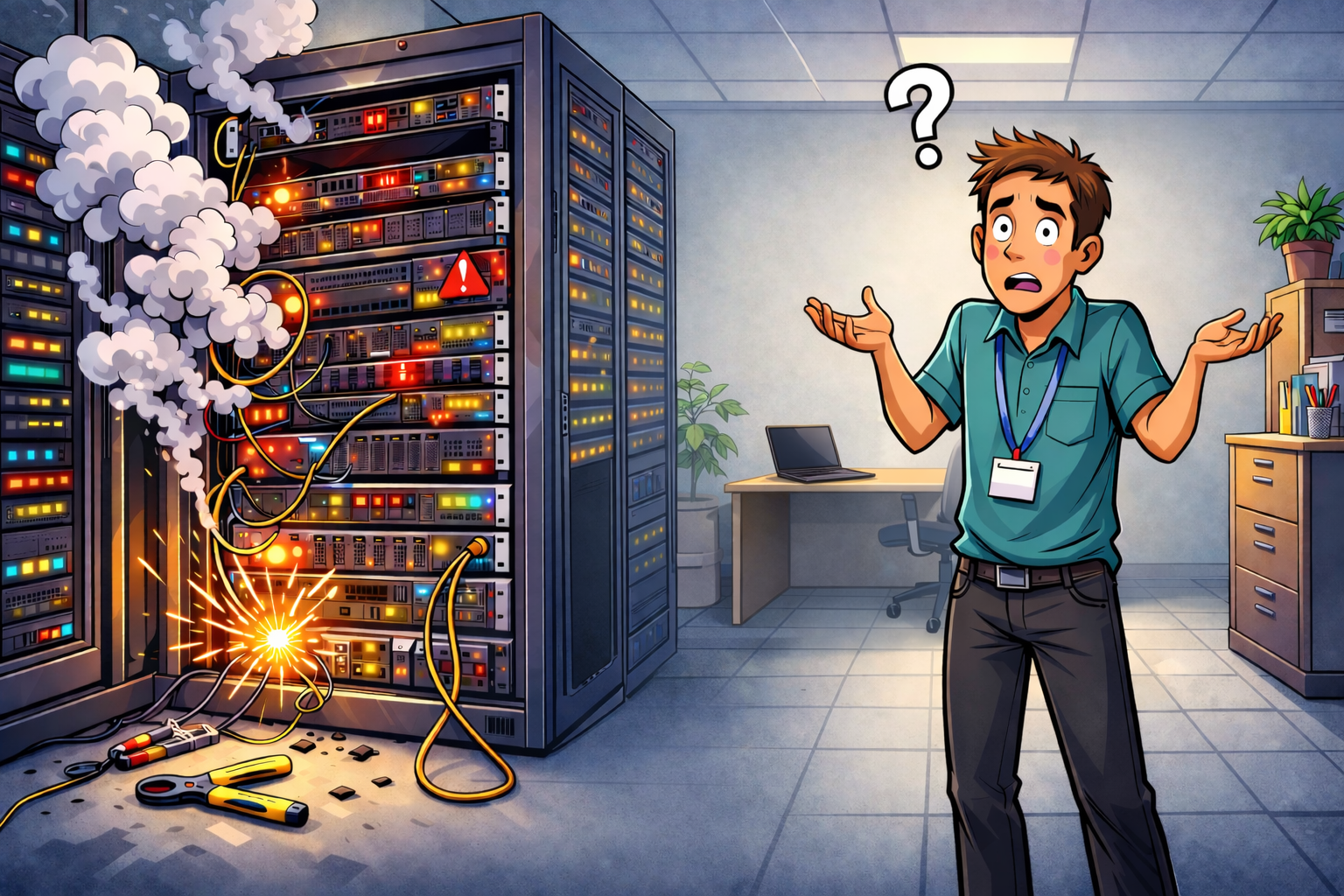
Small businesses usually do not run into IT trouble because of one dramatic disaster. More often, problems build quietly in the background until one bad day exposes everything at once.
A folder goes missing. Internet drops in the middle of the workday. A password change locks out the wrong person. A server or laptop finally gives out after limping along for too long. A vendor has an outage, and suddenly phones, billing, or customer access stop working.
For most small businesses, the real problem is not just the failure itself. It is how quickly one issue can spread into downtime, lost revenue, frustrated customers, and hours or days of cleanup.
Why small businesses are especially vulnerable
Small businesses are often expected to do a lot with very little. That usually means fewer IT staff, less redundancy, fewer documented procedures, and less time to test whether recovery plans actually work.
In simple terms, many businesses depend heavily on a few systems, a few vendors, or a few people, but do not have much backup when something breaks.
That creates a fragile environment where even an ordinary issue can hit much harder than expected.
1. Data loss
One of the most common and costly IT failures is losing business data.
This can happen when files are deleted, overwritten, corrupted, or synced incorrectly across devices. It can also happen when a business assumes its cloud apps are protecting everything automatically, only to discover later that key records were not recoverable the way they expected.
The damage is not always obvious right away. Sometimes the problem is only discovered days or weeks later, when someone needs an old file, a deleted email, or a missing customer record.
When data is missing, staff lose time, customers get delayed, and businesses are often forced to rebuild information manually. That turns a technical problem into an operational one very quickly.
2. Backups that look fine until they are needed
A backup is only valuable if it can be restored fully and quickly.
Many businesses feel safe because their backup system shows green check marks and successful jobs. Then something goes wrong, and they discover critical folders were left out, cloud data was never included, or the restore process takes far longer than the business can tolerate.
This is one of the most common traps in small business IT. The backup exists on paper, but recovery fails in real life.
When that happens, downtime stretches out, employees start improvising, and a manageable incident turns into a much bigger disruption.
3. Misconfigurations and bad changes
A surprising number of outages start with a small change.
A firewall rule gets edited. Permissions are adjusted. A software update rolls out. A quick fix is made to solve one issue, but it unintentionally breaks something else.
This is especially common in smaller environments where changes are often made quickly, with limited review, little documentation, and no rollback plan.
The result can be a broken VPN, failed phones, email issues, unstable Wi-Fi, or cloud access problems. What looked like a minor tweak becomes an all-day outage because no one has a clear record of what changed.
4. Access and account problems
Identity and access issues can cause just as much damage as hardware or network failures.
This includes weak or inconsistent multi-factor authentication, shared accounts, stale permissions, poor offboarding, or admin access that is not properly managed.
Sometimes this causes obvious lockouts. Other times it leads to confusion during recovery, when no one can get into the systems needed to fix the problem. In small businesses, that can bring communication, billing, scheduling, and support to a halt.
When access is messy, the business becomes more fragile. It only takes one missing password, one shared login, or one outdated account to create a major headache.
5. Internet and network outages
If the internet goes down, many small businesses effectively stop working.
Cloud apps, payment systems, remote access, phones, and shared tools all depend on stable connectivity. Even brief interruptions can cause lost sales, delayed service, and frustrated staff.
Many businesses still rely on a single internet provider, a single firewall, or a single key network device. That means one failure can knock out everything at once.
Network issues are especially painful because they often affect every employee at the same time. A slow or unstable connection can be just as disruptive as a full outage.
6. Aging hardware
Old hardware has a habit of hanging on until the worst possible moment.
Aging laptops, unreliable drives, outdated switches, overworked firewalls, and legacy servers may seem “good enough” right up until they fail. Then the business is stuck scrambling for replacements, rebuilding settings, and trying to remember how the original setup worked.
The hardware itself is only part of the problem. The bigger issue is that many businesses do not have spare equipment, current documentation, or a clear replacement plan.
That makes recovery slower, more expensive, and far more stressful than it needs to be.
7. Poor cloud and SaaS management
Cloud platforms and SaaS tools can improve flexibility, but they also create a false sense of safety if they are not managed properly.
A lot of businesses assume the provider handles everything. In reality, the provider may keep the platform running, while the business is still responsible for access control, retention settings, backups, restore planning, and monitoring.
That misunderstanding leads to missing data, messy permissions, weak visibility, and long recovery times when something goes wrong.
Cloud tools are not the problem. The problem is using them without a clear plan for ownership, protection, and recovery.
8. Vendor dependency
Many small businesses depend heavily on outside providers for critical operations.
That can include internet service, payment platforms, email, cloud storage, backup vendors, website tools, or outsourced IT providers. If one of those vendors has an outage, breaks a feature, or responds slowly, the business feels it immediately.
Customers usually do not care whether the issue came from your company or a third party. They just know your business is not working.
That is why vendor dependency is a real IT risk. Even when your own systems are fine, operations can still stop because a provider became a single point of failure.
9. Compliance drift
Some businesses treat compliance like a yearly event instead of an ongoing discipline.
They prepare for an assessment, pass it, and then slowly drift away from the required controls over the months that follow. Logging slips. Evidence is not maintained. Changes are made without proper tracking. Required checks are missed.
This is especially common with payment-related requirements, where control drift between assessments can create real business and contractual risk.
Even businesses that are not heavily regulated can run into trouble when they cannot prove that basic protections and procedures are being maintained consistently.
10. Human error and weak process
Not every IT failure starts with broken technology. Many start with unclear procedures, rushed work, poor handoffs, or knowledge that lives only in one person’s head.
The same outage happens again because the fix was never documented. Recovery drags on because no one wrote down the steps. A risky change gets made during a busy week and no one can clearly explain what happened afterward.
These process gaps are common because they are easy to postpone. Writing documentation and cleaning up procedures rarely feels urgent until the day they are suddenly essential.
For many small businesses, this is the hidden issue underneath everything else.
What these failures really cost
The cost of IT failure is rarely limited to the repair itself.
It shows up in lost sales, delayed invoices, idle employees, customer frustration, emergency consulting costs, overtime, and reputational damage. Even a problem that looks small on the surface can hit hard if it interrupts key business functions for half a day or more.
Small businesses usually have less room for error, which means even shorter outages can have an outsized effect.
What to focus on first
The good news is that reducing IT risk does not always require a massive budget or a huge internal team.
For many small businesses, the best return comes from strengthening a few core areas first.
Enforce strong multi-factor authentication everywhere.
This helps reduce account-related disruption and lowers the odds that access problems spiral into larger business issues.
Remove obvious single points of failure.
A backup internet option, better admin access planning, and a few key spare devices can make a big difference.
Make backups actually recoverable.
Do not just back things up. Test restores, confirm cloud systems are included, and make sure recovery time is realistic.
Use basic change control.
Document important changes, review high-risk ones, and always have rollback steps ready before touching critical systems.
Get clearer about vendor reliance.
Know which vendors are essential, who to contact during an outage, and where the business has no fallback option today.
The bigger lesson
Most small business IT failures come down to one simple reality: the business is more dependent on technology than it may realize, and less prepared for disruption than it assumes.
That does not mean every company needs enterprise-level tooling or a giant IT budget. It does mean the basics need to be solid.
The businesses that recover best are usually not the ones with the fanciest setup. They are the ones that have reduced obvious weak points, documented the important stuff, and practiced recovery before they needed it.
Final thoughts
Good IT resilience is not about perfection. It is about making sure ordinary problems do not turn into business-threatening events.
Small businesses do not need to fix everything overnight. But they do need to stop treating backups, access control, connectivity, vendor planning, and documentation like optional extras.
Because when something breaks, those basics are often the difference between a bad hour and a very bad week.