The Real Cost of Reactive IT for Small Businesses
Small businesses are often forced into reactive IT because they lack the staffing, visibility, and redundancy needed to catch problems early. That leaves them more exposed to downtime, cyber incidents, outdated systems, and costly recovery.
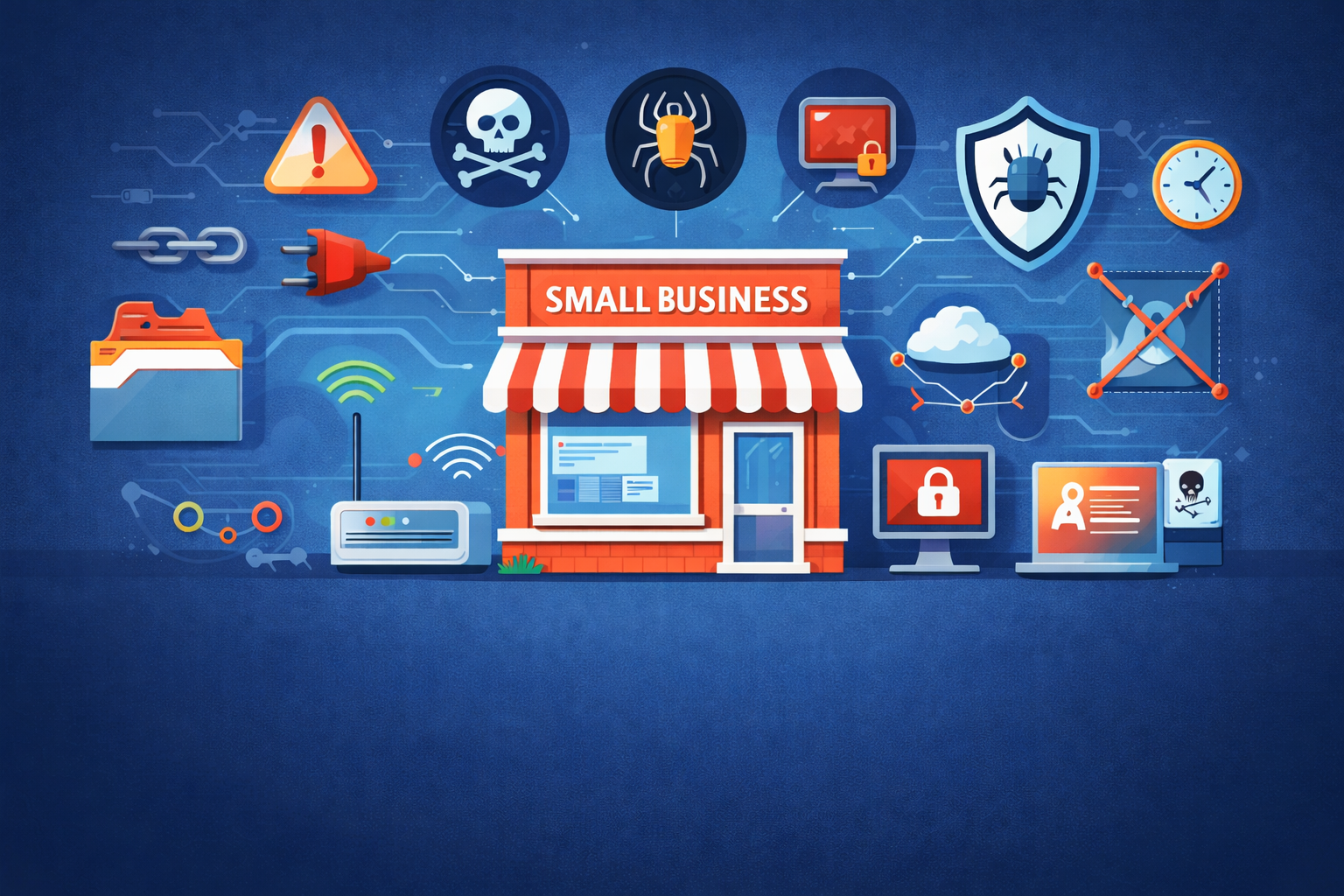
Why Small Businesses Stay Reactive: Downtime, Cyber Risk, and the Hidden Cost of Weak IT Visibility
For a lot of small businesses, technology seems fine right up until it suddenly is not.
The internet drops. A workstation update breaks something important. Email goes sideways. A server slows to a crawl. A login problem becomes a productivity problem, then a customer problem, then a full-blown scramble.
That is the pattern many small businesses know all too well. Not because they are careless, and not because they do not care about security or reliability, but because most small organizations simply do not have the extra layers that bigger companies rely on. They may have one internet provider, a small staff, limited monitoring, and no dedicated cybersecurity person watching for problems before they hit.
That makes reactive IT incredibly common.
And once you look at the research, the pattern becomes hard to ignore.
Why small businesses often discover problems too late
Small businesses usually operate with fewer technical safety nets. There is often less redundancy, less formal planning, less proactive monitoring, and less time available to maintain everything properly.
In a more mature environment, issues are often caught early through patch tracking, device visibility, vulnerability reviews, alerts, and incident planning. In a smaller business, the alert is often much less glamorous:
“We can’t connect.”
“The system is down.”
“Nobody can print.”
“Why are files locked?”
“Was that machine still running that?”
That last one tends to sneak up on businesses more than they expect.
Research consistently shows that smaller businesses are less likely to have formal incident response plans, cybersecurity policies, dedicated IT security roles, supplier risk reviews, and routine vulnerability audits. In very small businesses, that is not unusual. It is normal.
So when something breaks, they usually find out after the damage has already started.
What downtime looks like in the real world
Downtime is tricky to measure because different organizations define it differently. Some count only complete outages. Others include degraded performance, business interruption, or security-related disruption. Even so, the bigger picture is clear: outages are common, and the causes are usually pretty ordinary.
Across modern outage and resiliency data, some of the most common causes include:
- network and connectivity issues
- IT system and software failures
- power and facility problems
- human error and missed procedures
- third-party service issues cyberattacks, especially ransomware and extortion
For small businesses, that list fits almost perfectly. Many now rely heavily on cloud apps, internet connectivity, remote access, SaaS tools, email, and outside vendors. If any one of those pieces stumbles, the business feels it fast.
The duration can vary wildly.
Some issues are resolved in minutes or a few hours. A quick fix, a reboot, or a vendor-side resolution gets things moving again. But other incidents take much longer, especially when outside support, replacement parts, or specialized troubleshooting are needed.
Cyber incidents are often the worst offenders.
Ransomware recovery commonly takes days to weeks, not just a few hours. That is a huge problem for small businesses, because they usually do not have the deep bench, extra cash cushion, or redundant systems that larger organizations use to absorb a long recovery.
Small businesses are still getting hit, and often harder than expected
There is still a stubborn myth floating around that attackers mostly care about giant enterprises.
They do not.
Small businesses remain attractive targets because they often have weaker defenses, lower visibility, fewer security controls, and less ability to detect and respond quickly. In plain English, they are often easier to hit.
Large survey data backs this up. In one well-known government benchmark, 41% of micro businesses and 50% of small businesses reported identifying a cyber breach or attack within the last 12 months.
That alone is enough to get attention.
But the more uncomfortable truth is that many businesses may only be seeing part of the picture. A company can only report what it actually noticed. If visibility is weak, some attacks, weaknesses, and compromises may go unnoticed until they cause a bigger operational or financial problem.
Why so many vulnerabilities stay hidden
A lot of businesses are not really “aware” of their weaknesses because awareness does not happen by accident. It usually comes from repeatable habits like:
- keeping track of devices and accounts
- reviewing vulnerabilities regularly
- patching on schedule
- identifying internet-facing systems
- maintaining a basic incident response plan
- reviewing vendor and supplier risk
When those habits are missing or inconsistent, weaknesses pile up quietly in the background.
And the data suggests that is exactly what is happening in a lot of small businesses.
Only a relatively small share of businesses report conducting vulnerability audits. Formal incident response plans are still uncommon. Dedicated IT roles focused on cybersecurity are especially rare in micro businesses. Supplier cyber risk reviews are also limited, even though third-party exposure continues to show up in both breach and outage patterns.
The result is simple but dangerous: many businesses are operating with blind spots they do not know they have.
Why small businesses are often unaware of their own weak points
There is usually not one dramatic cause. It is more like a stack of quiet little cracks in the floor.
Incomplete device and account visibility
Over time, environments get messy. Devices are added. Old machines stay connected longer than expected. Employees adopt new software. Vendors configure remote access. Legacy systems stay alive because nobody wants to risk breaking something important.
That is how “unknown” risk becomes part of the scenery.
Patching gets delayed
Patching always sounds easy in theory. In real life, it competes with business hours, software compatibility, staffing limitations, and the fear of breaking a system people rely on every day.
So patches get pushed back.
That delay creates a window attackers love to climb through, especially when internet-facing devices, VPNs, remote access tools, or older systems are involved.
Planning is light or nonexistent
Many small businesses still do not have a formal security policy, a continuity plan that includes cyber incidents, or even a one-page incident response process. So when something happens, the response is improvised under pressure.
That tends to cost more, take longer, and create more confusion.
Staffing is limited
A lot of small businesses do not have a dedicated IT person. Many do not have dedicated cybersecurity help at all. That means security work usually competes with everything else on the to-do list, and it often loses.
Third-party risk stays in the shadows
Small businesses depend on outside providers constantly, from payroll tools to cloud platforms to software vendors and managed applications. But many do not formally review the cyber risk tied to those partners. That creates hidden exposure that only becomes obvious when a vendor issue spills into the business.
Is a full MSP realistic for most small businesses?
This is where reality starts wearing steel-toe boots.
Yes, many small businesses need more support than they currently have. But that does not always mean a full managed service provider arrangement makes sense right away.
MSP adoption is already fairly common among SMBs, especially once businesses get past the micro stage. That makes sense. As environments grow, outsourcing part of IT becomes more practical.
But for very small businesses, the question is less about value and more about fit.
A five-person company may absolutely benefit from outside IT and security support. The challenge is cost, scope, and how much of the business actually needs to be covered. Traditional fully managed IT packages can add up quickly, especially when a business is already trying to balance payroll, rent, operations, and growth.
That is why many small businesses live in a hybrid model instead.
They may use a provider for:
- monitoring
- patch oversight
- backups
- email security
- account protection
- help desk support
- light strategy or quarterly planning
That tends to be much more realistic than handing over every possible IT responsibility at once.
So, is a full MSP realistic?
For many small and medium businesses, yes.
For micro businesses, often not in the full all-inclusive sense.
The more realistic option is often a targeted mix of managed security, monitoring, backup, and practical support that covers the highest-risk areas first.
The end-of-life operating system problem is getting harder to ignore
One of the biggest quiet risks heading into 2026 is the continued use of outdated and poorly patched operating systems.
Windows 10 reached end of support in October 2025. That alone makes this a major issue, because many businesses were still using it as they entered 2026. Older server platforms create the same problem, and they usually hang around even longer because replacing them is slower, harder, and more disruptive.
This is where a lot of small businesses get trapped.
A system still appears to work, so it stays in place. A server runs a critical app, so nobody wants to touch it. A firewall has not been updated because the last person who configured it is long gone and nobody wants to poke the dragon.
But once a device is end-of-life, or effectively unpatched, the risk becomes much more predictable. The business is no longer dealing with a vague cyber concern. It is dealing with systems that may not be receiving normal protection against weaknesses attackers already know how to use.
That creates daily exposure.
Not “daily disaster,” but daily opportunity for attackers.
And for smaller businesses with less segmentation and fewer backups or alternate systems, one outdated machine can turn into a much larger problem than expected.
What risks do outdated or unpatched systems create?
The risks are not theoretical, and they are not rare.
Businesses with outdated or under-patched systems face increased exposure to:
- ransomware and extortion
- malware execution
- credential theft
- remote compromise through exposed devices
- lateral movement across the network
- data theft and secondary extortion
- longer recovery times after an incident
Even one lagging system can become the weak link that opens the rest of the environment to much bigger trouble.
That is why EOL systems and patching gaps matter so much. They are not just technical hygiene issues. They are business risk issues.
Why small businesses get stuck in the reactive loop
The cycle usually looks something like this:
An environment is only partly tracked. Changes happen quietly. Vulnerabilities build up. Then an outage, compromise, or major issue suddenly makes those hidden problems visible. Everyone scrambles to restore service, reset passwords, replace devices, or stop the bleeding. Once things are stable again, normal business pressure takes over and the deeper cleanup gets pushed down the list.
Then the loop starts again.
It is not laziness. It is not indifference. It is the natural outcome of limited time, limited staff, limited budget, and too many competing priorities.
Reactive IT happens because urgent work always shouts louder than preventive work.
What “proactive enough” looks like for a small business
The good news is that small businesses do not need enterprise-scale security programs to make a real difference.
They need practical improvements that reduce downtime, improve visibility, and make recovery less painful.
That usually starts with a few basics:
Know what you have
Keep a simple inventory of users, devices, admin accounts, critical software, and internet-facing systems. It does not need to be fancy. It just needs to exist and stay updated.
Prioritize high-risk patching
Not every update carries the same urgency. Internet-facing systems, remote access tools, known exploited vulnerabilities, and older operating systems deserve extra attention.
Treat backups like recovery tools, not shelf decorations
A backup only matters if it can be restored quickly and cleanly. For small businesses, restore confidence matters just as much as backup presence.
Have a simple incident plan
Even a one-page plan is better than nothing. Who gets called, what gets disconnected, how communication happens, and what gets prioritized first can shave hours off the chaos.
Use outside help where it matters most
For many businesses, that means starting with monitoring, patching, identity hardening, backups, and security-focused support rather than a full outsourced IT model from day one.
That is often the most realistic path from reactive to prepared.
Final thoughts
Small businesses are not dealing with rare edge cases here. Downtime is common. Reactive IT is common. Cyberattacks are common. Hidden vulnerabilities are common. Outdated systems are common.
What makes the impact so severe is not just the incident itself. It is the combination of limited visibility, limited planning, limited staffing, and limited redundancy.
That sounds heavy, but it also points toward a practical path forward.
Most small businesses do not need perfection. They need enough awareness, enough structure, and enough support to stop discovering every important IT or security problem only after it starts causing damage.
That is the real goal.
Not turning a small business into a giant one.
Just helping it become harder to surprise.