Why Backups Are Not the Same as Recovery for Small Businesses
A backup is important, but it is not the same as being ready to recover. Small businesses often assume that if their files are copied somewhere, they are protected. In reality, recovery depends on much more than that. This guide explains the difference in plain English and what businesses should check before a bad day turns into a very long week.
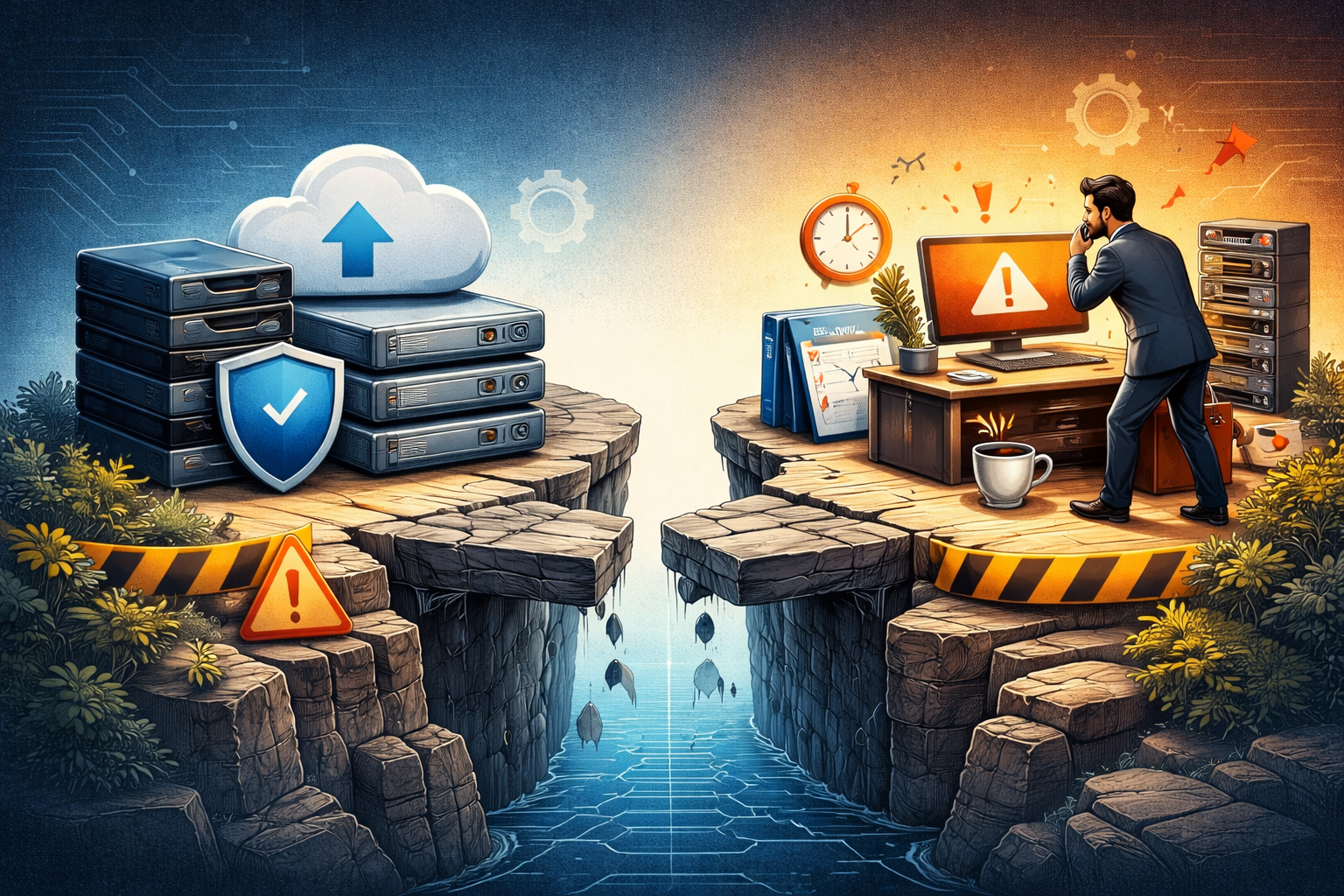
Why Backups Are Not the Same as Recovery for Small Businesses
A lot of small businesses feel better the moment they hear the words, “We have backups.”
That is understandable. Backups are important. They matter. They are one of the smartest things a business can have in place.
But backups and recovery are not the same thing.
That difference matters more than many businesses realize, especially when something goes wrong and the clock starts ticking. CISA’s small-business guidance tells organizations not only to choose a backup cadence, but also to write a restoration plan, and its broader ransomware guidance says to regularly test backup availability and integrity in a disaster recovery scenario. :contentReference[oaicite:0]{index=0}
The short version
A backup is a copy of data.
Recovery is the ability to get the business working again safely, correctly, and within a useful amount of time.
That means recovery is bigger than backup files alone. NIST’s current incident-response guidance frames recovery as part of a broader response process focused on restoring operations and reducing business impact, not just restoring copies of data. :contentReference[oaicite:1]{index=1}
In plain English, a backup is like having spare parts in the garage.
Recovery is knowing where the parts are, whether they still work, who can install them, how long it takes, and whether the car will actually run afterward.
Why small businesses get tripped up here
Many small businesses have at least some form of backup, but that can create a false sense of safety.
The mental shortcut usually sounds something like this:
- Our files sync to the cloud
- Our server backs up every night
- Our vendor said backups are enabled
- Therefore, we are covered
That sounds reassuring, but it leaves out some very important questions. CISA specifically says your backup plan should align with your organization’s recovery needs, and the FTC notes that restoring from backups is only helpful if your business regularly backs up and stores data off the network. :contentReference[oaicite:2]{index=2}
A copied file is helpful. A working recovery process is what keeps a bad day from becoming a business outage that drags on like wet cement.
What a backup does well
A good backup can help you recover from:
- accidental deletion
- hardware failure
- ransomware
- corrupted files
- some types of cloud or server-side failures
- mistakes during upgrades or changes
That is a big deal. CISA and the FTC both continue to recommend backups as a core security and resilience practice for small businesses, and FTC phishing guidance specifically says backups that are not connected to the network can help a business restore data after an attack. :contentReference[oaicite:3]{index=3}
So this is not a post arguing against backups.
It is a post arguing against stopping there.
What a backup does not guarantee
Having backups does not automatically mean:
- the backup is recent enough
- the backup actually completed successfully
- the backup contains everything you need
- the backup was not also encrypted or corrupted
- the restore process is fast
- the restored system will work normally
- your staff knows how to perform the restore
- your passwords, configurations, apps, licenses, and cloud settings are all recoverable too
That is why CISA says to create a restoration plan, and why its ransomware guidance emphasizes testing backups, not merely having them. :contentReference[oaicite:4]{index=4}
This is where many businesses discover they had a parachute, but no one ever checked whether it was packed.
Recovery is a business question, not just a technical one
When people hear the word “recovery,” they often picture IT restoring files.
But real recovery is broader than that.
Recovery means answering questions like:
- How long can we be down before operations are seriously affected?
- Which systems need to come back first?
- Can we still operate if email is unavailable?
- What if payroll is due tomorrow?
- What if point-of-sale is down?
- What if shared files return, but permissions are broken?
- What if Microsoft 365 or Google Workspace is involved?
- What if the backup is clean, but the account used to restore it is compromised?
NIST’s guidance centers incident response and recovery around minimizing operational impact, and its small-business quick-start materials place “Recover” alongside Identify, Protect, Detect, and Respond as a core cybersecurity function. :contentReference[oaicite:5]{index=5}
That is why recovery is not just “Can we get the files back?”
It is “Can we get the business back?”
Cloud sync is not the same as backup either
This one catches a lot of businesses off guard.
Cloud storage sync is useful. It is convenient. It helps people work from anywhere.
But sync is not always the same thing as true backup.
If a bad file change, deletion, or ransomware event syncs everywhere, you may simply end up with a beautifully synchronized disaster. CISA’s small-business guidance distinguishes backup planning from general data handling and recommends a defined backup cadence and restoration planning, rather than assuming ordinary storage behavior is enough. :contentReference[oaicite:6]{index=6}
Version history and recycle bins can help in some cases.
They are not the same thing as a tested recovery strategy.
Ransomware makes this difference painfully clear
Ransomware is one of the clearest examples of why backup and recovery are not interchangeable.
If files are encrypted, the question is not just whether copies exist somewhere.
The real questions become:
- Are the backups untouched?
- Are they offline or isolated?
- How much data will be lost between the last good backup and now?
- How long will restoration take?
- Which systems come back first?
- Can you trust the restored environment?
- Are credentials, devices, and apps clean enough to resume safely?
CISA’s StopRansomware guidance says to maintain offline, encrypted backups of critical data and to regularly test their availability and integrity in a disaster recovery scenario. The FTC also says paying ransom does not guarantee you will get your data back. :contentReference[oaicite:7]{index=7}
And this is not a niche risk for giant enterprises only. Verizon’s 2025 DBIR SMB snapshot says ransomware was involved in 88% of SMB breaches in its dataset. :contentReference[oaicite:8]{index=8}
That statistic alone should make “we think backups are probably fine” feel a little less comforting.
What recovery actually depends on
A business that can truly recover usually has more than backup files.
It has some combination of:
- reliable backups
- known restore procedures
- access to admin credentials
- clear system inventory
- documented priorities
- recovery testing
- working communication steps
- confidence that the restored systems are clean
- a plan for what to do while systems are still down
NIST’s incident-response guidance and CISA’s materials both point toward recovery being a process, not a product checkbox. :contentReference[oaicite:9]{index=9}
That is the unglamorous truth.
Recovery tends to be built out of boring things done ahead of time.
Boring things are underrated.
The questions small businesses should be asking now
If a small business wants to know whether it is actually prepared to recover, here are better questions than “Do we have backups?”
Try these instead:
1. What exactly is being backed up?
Is it just files? Entire systems? Cloud apps? Databases? Device configurations? Shared drives? Line-of-business software?
2. How often are backups happening?
Nightly may be fine for one business and not nearly enough for another.
3. Where are the backups stored?
If they are connected too closely to the affected environment, they may be at risk during the same incident. FTC guidance highlights storing data off the network, and CISA recommends offline backups for ransomware resilience. :contentReference[oaicite:10]{index=10}
4. Have restores actually been tested?
This one is huge. CISA explicitly recommends testing backup procedures and disaster recovery scenarios. :contentReference[oaicite:11]{index=11}
5. How long would recovery take in real life?
Not in a brochure. Not in a perfect lab. In your actual business, with your actual systems.
6. Which systems matter most?
If everything cannot come back at once, what comes first?
7. Who knows how to restore things?
If one person holds the whole map in their head, that is its own kind of outage risk.
8. What happens while systems are still down?
Can orders still be taken? Can customers still be contacted? Can staff still work?
Those are recovery questions.
And they are the ones that determine whether an incident is a bump in the road or a week-long pileup.
A backup without testing is mostly a hope with a filing system
That line may sound blunt, but it is close to the truth.
A business can spend money on backup tools and still be unprepared if nobody has verified:
- that backups finish successfully
- that key systems can be restored
- that the restore speed is acceptable
- that the recovered data is usable
- that access to the recovery tools still works
CISA says to test backup procedures so your team can rapidly restore data fully or partially, and to ensure you can roll back data by at least several days when needed. :contentReference[oaicite:12]{index=12}
Testing is where confidence stops being theater and starts becoming something you can lean on.
Recovery also includes people and communication
Even with good backups, recovery can stall if people do not know what to do next.
Someone may need to:
- contact staff
- notify customers
- coordinate vendors
- work with cyber insurance
- decide what systems stay offline
- keep leadership updated
- document what happened
NIST’s small-business resources note that recovery actions and lessons learned affect the business broadly, not just the IT side. :contentReference[oaicite:13]{index=13}
In other words, recovery is partly technical and partly operational.
It lives in both the server room and the front office.
What this means for small businesses in plain English
If your business is saying “we have backups,” that is a good start.
But it is only the start.
A stronger statement would be:
“We know what is backed up, we know how to restore it, we know how long it takes, and we have tested it enough to trust it.”
That is a very different sentence.
And it is a much safer one.
A practical mini-checklist
If you want a simple gut-check, here is a better recovery readiness checklist for a small business:
- We know what data and systems are being backed up
- We know where backups are stored
- We know whether they are isolated from the production environment
- We have tested restoring important data
- We have tested restoring important systems
- We know our recovery priorities
- We know who has access to recovery tools and credentials
- We know what the business would do during downtime
- We know who to call if recovery gets messy
- We review this before a crisis, not during one
That checklist is much closer to real resilience than “someone said backups are on.”
Final thought
Backups matter.
They are absolutely worth having.
But a backup is a copy.
Recovery is a capability.
And when something goes wrong, capability is what keeps the business moving.
For small businesses, that difference can mean the gap between a manageable disruption and a painful, expensive standstill. CISA, FTC, and NIST all point in the same direction here: back up important data, store it safely, create a restoration plan, and test the process so recovery is not a guess. :contentReference[oaicite:14]{index=14}
That is one of the reasons proactive visibility and planning matter so much. The goal is not just to know that copies exist somewhere. The goal is to make it easier to recover with less confusion, less downtime, and fewer unpleasant surprises.